Experience
A short path from first browse to everyday use.
01 / Library
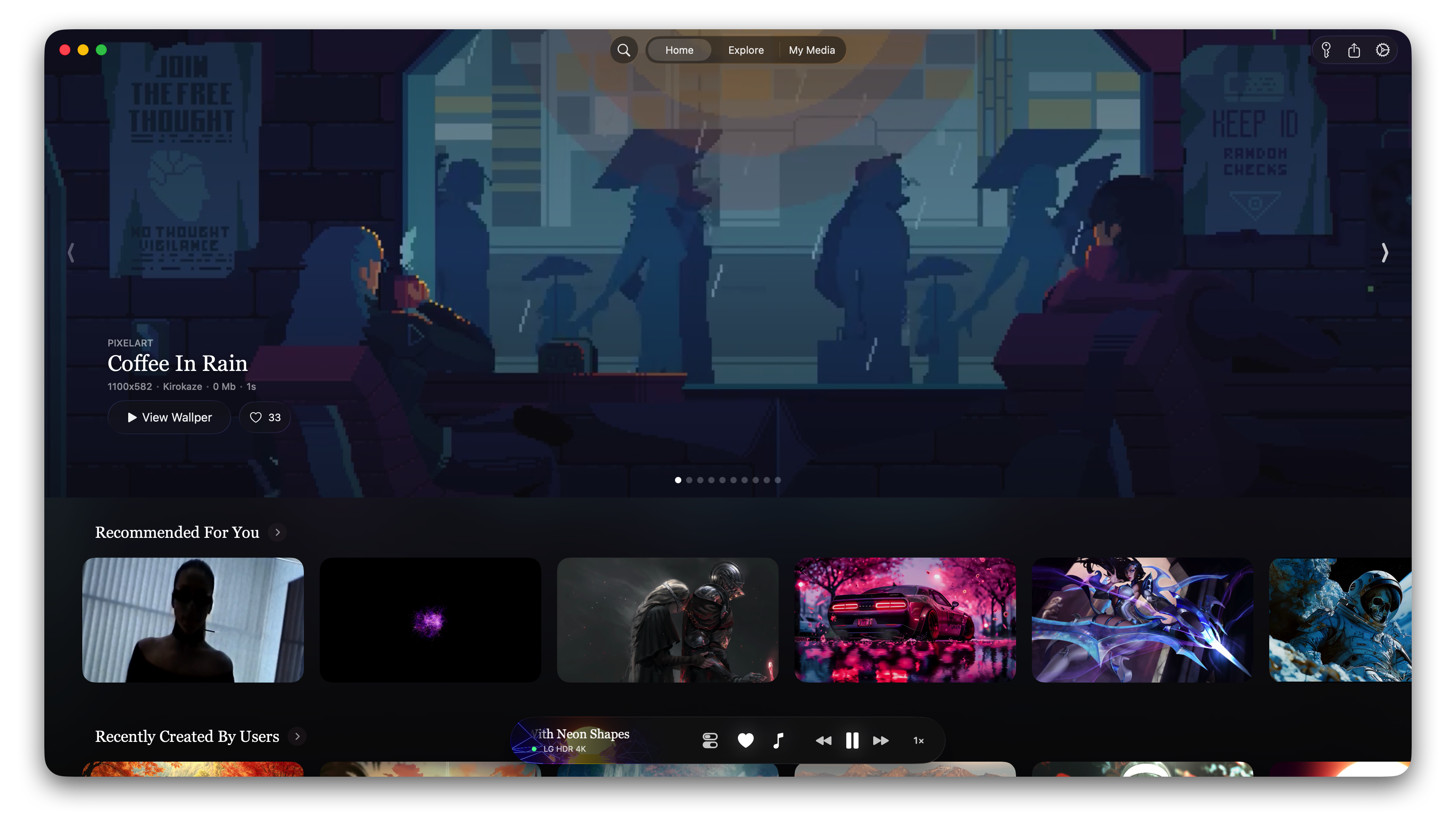
A library worth opening.
The main window leads with artwork, search, and categories so the first useful action happens fast.
01Featured wallpaper hero
02Search and category filtering
03Card grid with title, creator, likes, and duration
02 / Detail
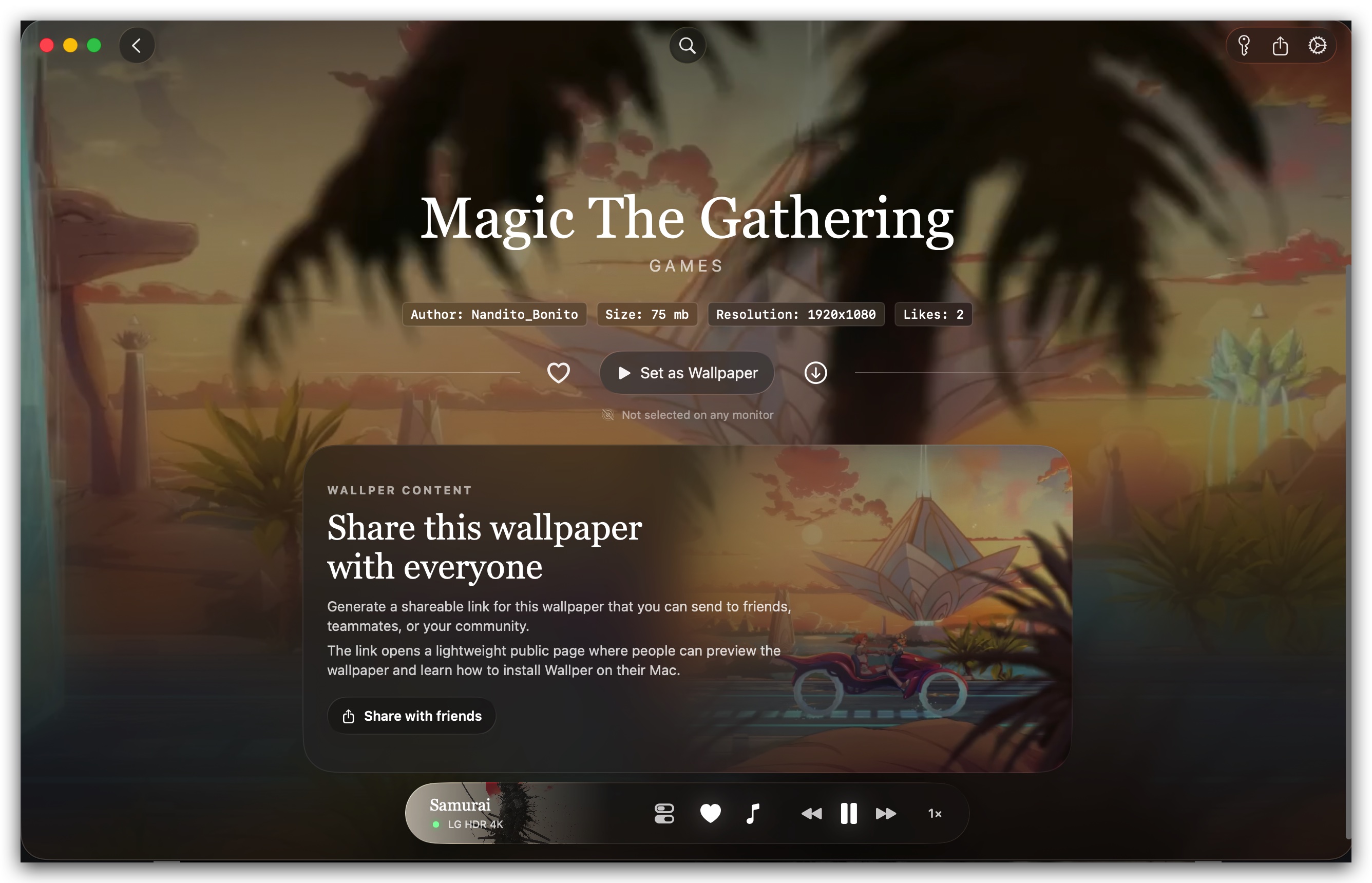
See the wallpaper. Then decide.
Preview motion, read the metadata, and keep the primary action obvious: set it as wallpaper.
01Large preview on the detail view
02Author, size, resolution, and likes
03Set as Wallpaper stays primary
03 / Apply
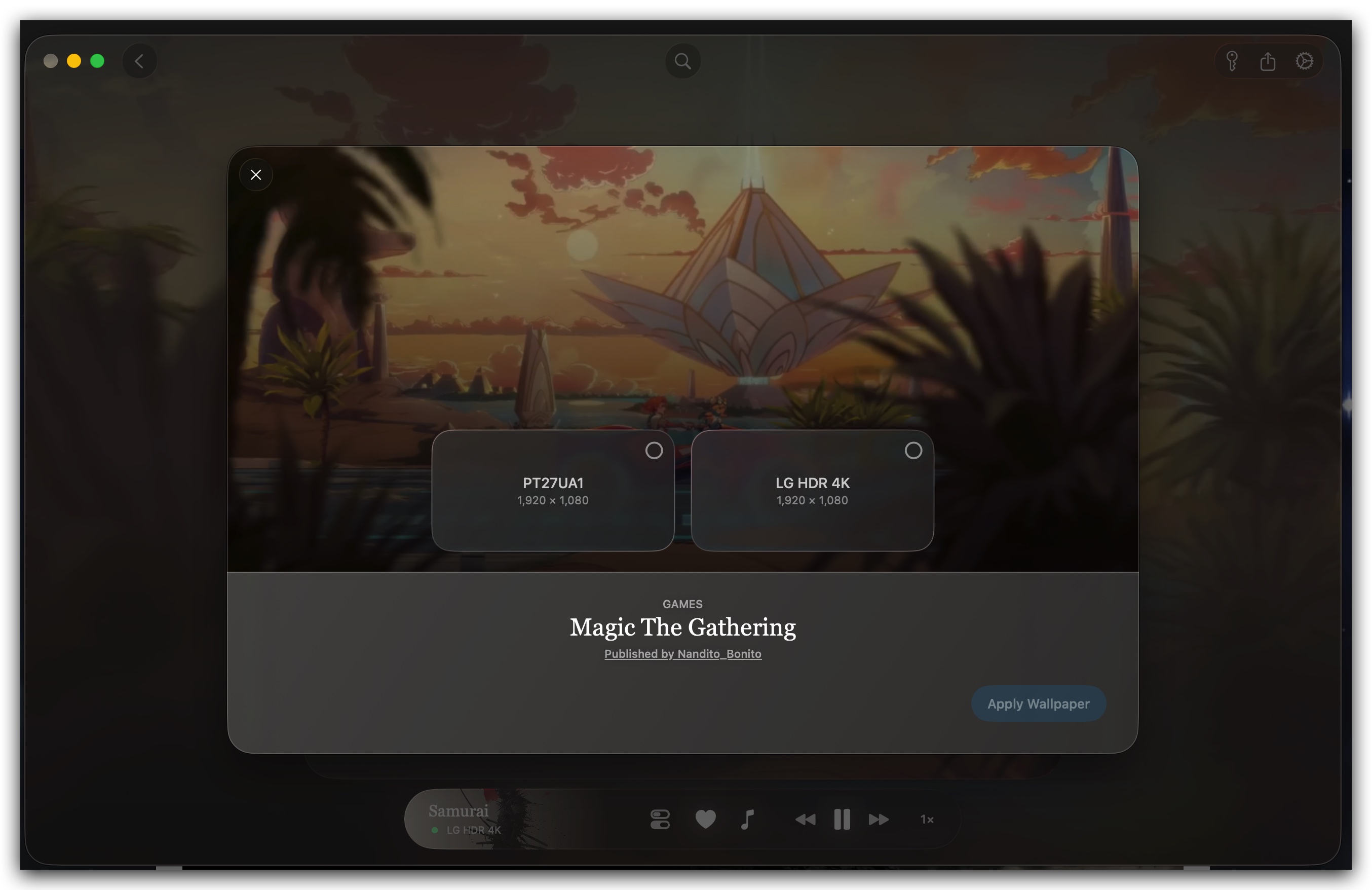
Set the right display.
When one desk has more than one screen, the apply flow needs to stay direct. Wallive turns that choice into a focused sheet.
01Select one or many displays
02See display names and resolutions
03Apply without leaving the flow
04 / Menu Bar
Control stays close.
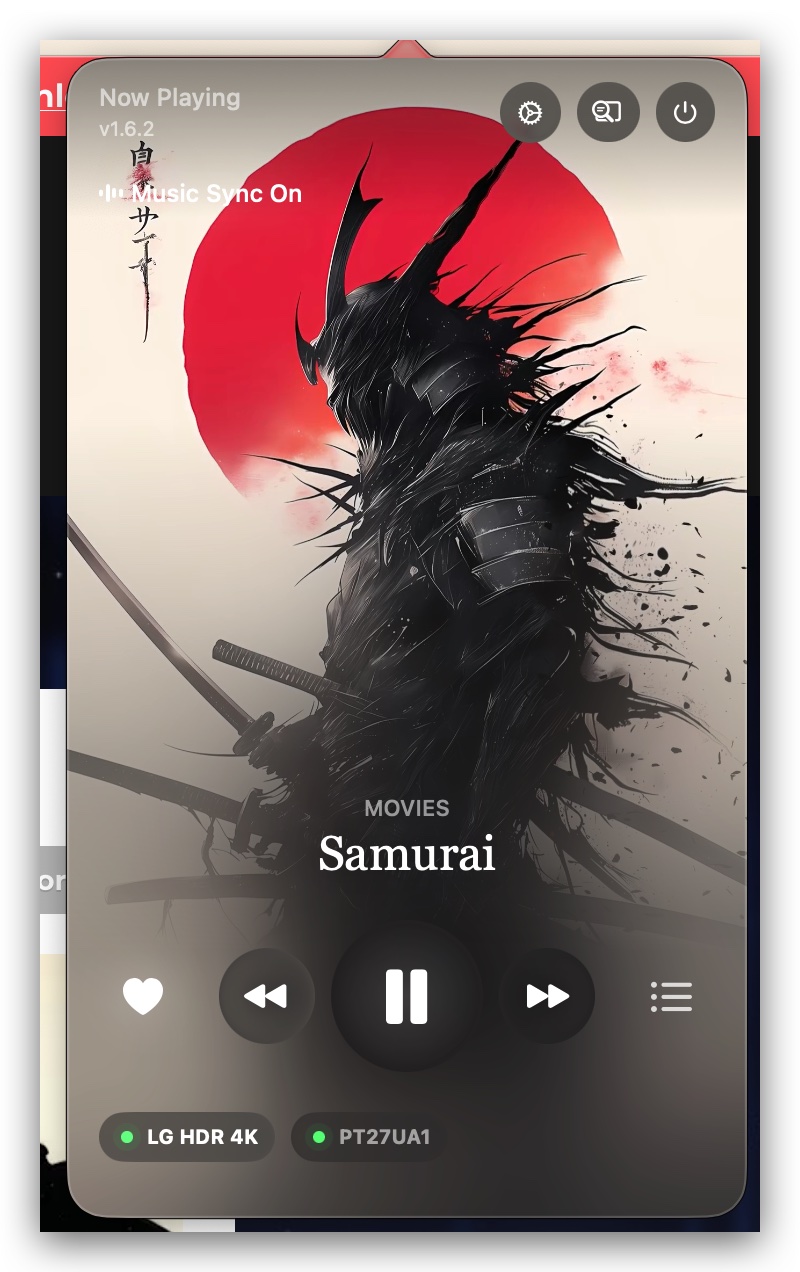
Once a wallpaper is set, the ongoing loop moves to the menu bar: now playing, queue, shuffle, and lock screen behavior.
01Now Playing artwork and transport controls
02Queue built from downloaded liked wallpapers
03Shuffle and lock screen actions